Batchjob: Reset warehouse stock
With this batchjob you can quickly and easily overwrite the stock per SKU to a new quantity. This is useful, for example, when you have performed a stock count and want to reset the actual stock.
What does this action do?
First resets the current stock.
Then overwrites the new quantity.
The change is immediately synchronized with our platform, so your webshop always shows the correct stock.
Step-by-step plan
- Open the batchjob
- Go to Bulk actions and choose "Reset warehouse stock".
- Select the desired warehouse and company.

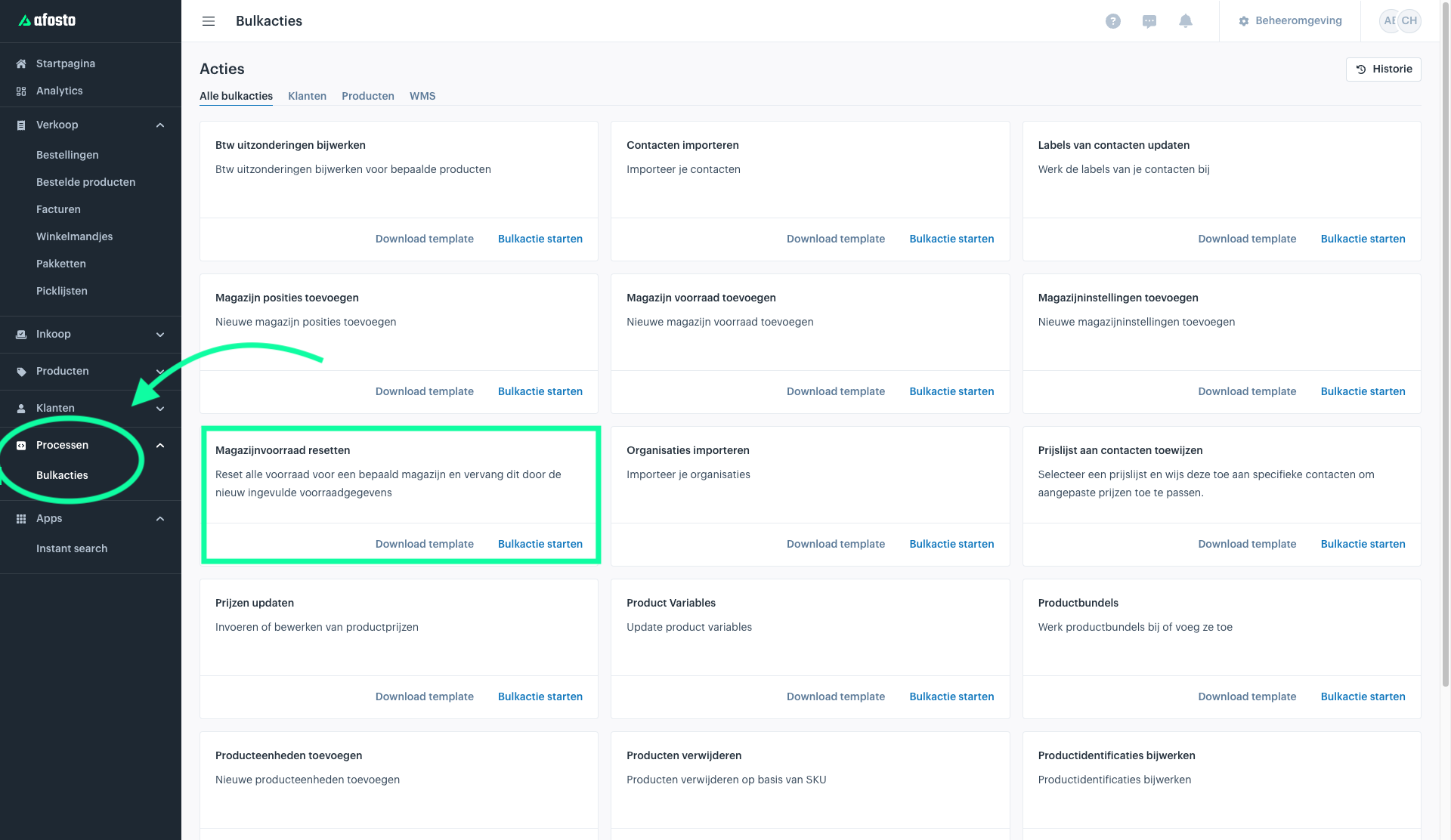
2. Import data You have three options to import stock data:
- Spreadsheet: Copy data from, for example, an Excel file.
- Existing dataset: Use previously saved data.
- CSV integration: Upload a CSV file.

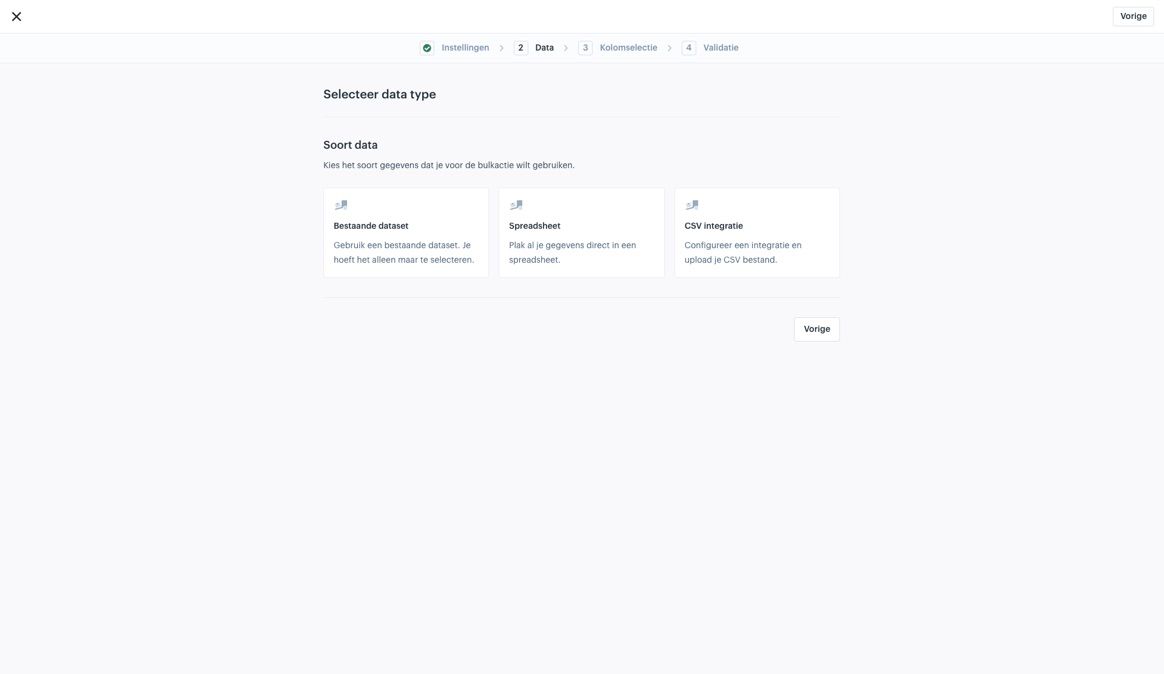
Example: Using Spreadsheet
Paste two columns from your Excel file:
- Column 1: SKU
- Column 2: Quantity
Make sure the first row contains the column names.


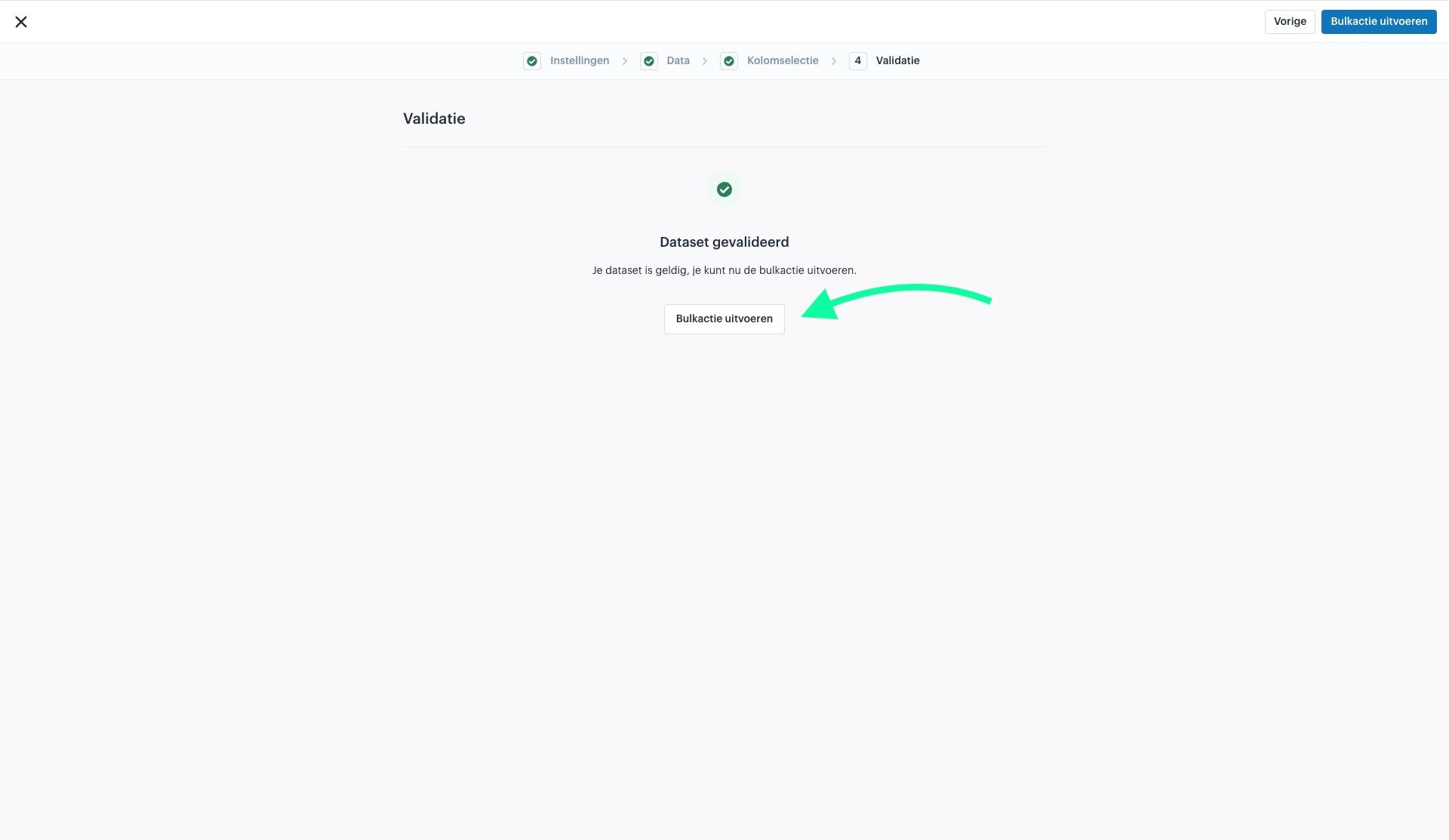
Check and confirm
Go through the steps and check if your data is correct.
- Check if the columns are filled in correctly.
- Execute the batchjob.

Result
- The stock per SKU is adjusted to the specified quantity.
- This is automatically sent to the platform and your webshop.